
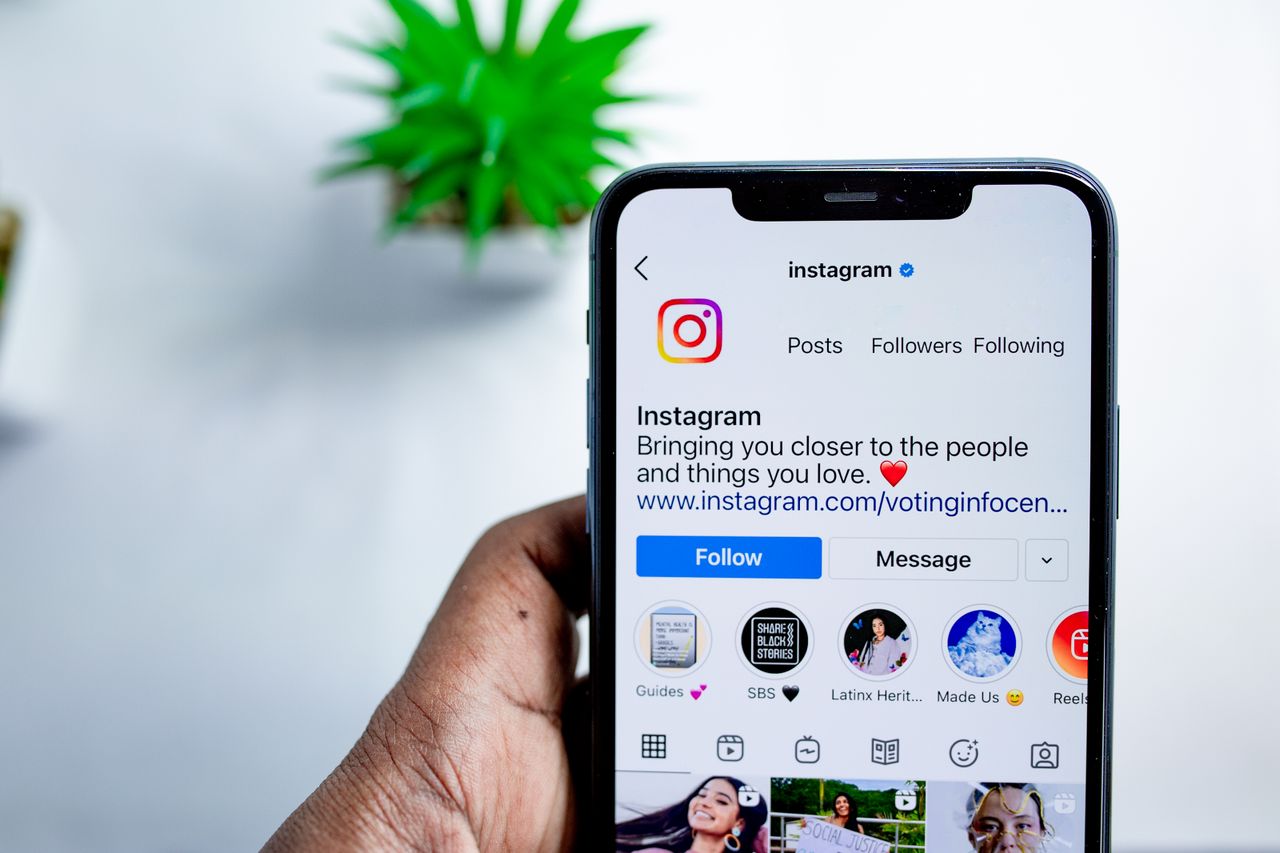
Want to remember what your Instagram bio used to say, or find a previous bio you liked? Instagram keeps a record of changes to your own account, so you can usually find your past bios in a few taps. Seeing someone else’s old bio is much harder. This guide explains what is possible and how to do it.
Instagram updates its menus from time to time. If a step looks different, search for “Account history” in the app’s settings.
Quick Answer
To see your own old Instagram bios, go to your profile, tap the menu, open Your activity, then Account history. Look for entries labelled Bio to see previous versions and when you changed them.
How to See Your Own Old Instagram Bios
- Open Instagram and go to your profile.
- Tap the menu (three lines) in the top right corner.
- Select Your activity.
- Tap Account history.
- Scroll through the list and tap any Bio entry to see what it said and the date it changed.
Account history also shows changes to your username, name, password, privacy settings and more, which is useful for spotting unexpected changes to your account.
Download Your Instagram Data
For a complete record, request a copy of your data:
- Go to Accounts Center in your settings.
- Select Your information and permissions, then Download your information.
- Choose your Instagram account and the information you want, then submit the request.
Instagram emails you when the file is ready. Profile change history is included in the download.
Can You See Someone Else’s Old Instagram Bio?
Instagram does not show other people’s bio history. A few limited options may help for public accounts:
- Ask the person: the simplest and most respectful option.
- Search engine results: sometimes an older version of a public profile appears in search snippets for a short time.
- Web archives: archive services occasionally store older snapshots of public pages, although Instagram pages are often not captured.
- Screenshots: if you or mutual friends saved one, it is often the only reliable record.
Be cautious with third-party apps or websites that claim to reveal private profile history. They often require your login details, which can put your account at risk, and they may break Instagram’s terms of use.
Tips for Writing a Better Instagram Bio
- Say clearly who you are or what your account offers in the first line.
- Add a relevant keyword so people can find you in search.
- Include a call to action or a link if you have one.
- Keep it short, and use emojis only where they help.
- Save a copy of bios you like before changing them.
Frequently Asked Questions
Does Instagram notify followers when I change my bio? No. Bio changes are not announced to followers.
How far back does Account history go? Account history generally covers changes since the account was created, but availability can vary.
The Bottom Line
You can easily see your own old Instagram bios in Account history or in your downloaded data. Other people’s bio history is not available through Instagram, so avoid apps that promise to reveal it. For more tips, read our beginner’s guide to Instagram.
About the Author